DC Digital Voltmeter
The battery block consists of two 18650 Li-Ion batteries which supply 8.4V when fully charged. The batteries in the battery block needs to be charged once the supply voltage drops below 7V. We need an instrument to measure the voltage of the battery block to evaluate if batteries need to be re-charged.
A voltmeter is a device which is used to measure voltage of a power source. Arduino microcontroller can be used to measure voltages upto 5V by directly connecting the voltage positive terminal to the analog input of microcontroller and connecting negative to ground.
However the battery block voltage is more than 5V and hence it cannot be directly measured with the analog pin of the microcontroller.

Supplying voltage greater than 5V to any of the digital and analog pins of microcontroller block will result in damage of microcontroller and may cause fire hazard
We can make use of a voltage divider circuit to convert higher voltages to voltages lower than 5V. Input voltage is applied across two resistors in series. Output voltage is taken out between these two resistors and is measured with respect to the common ground as shown in schematic below. Depending on the values of resistors, we can calculate the ratio between input voltage and output voltage
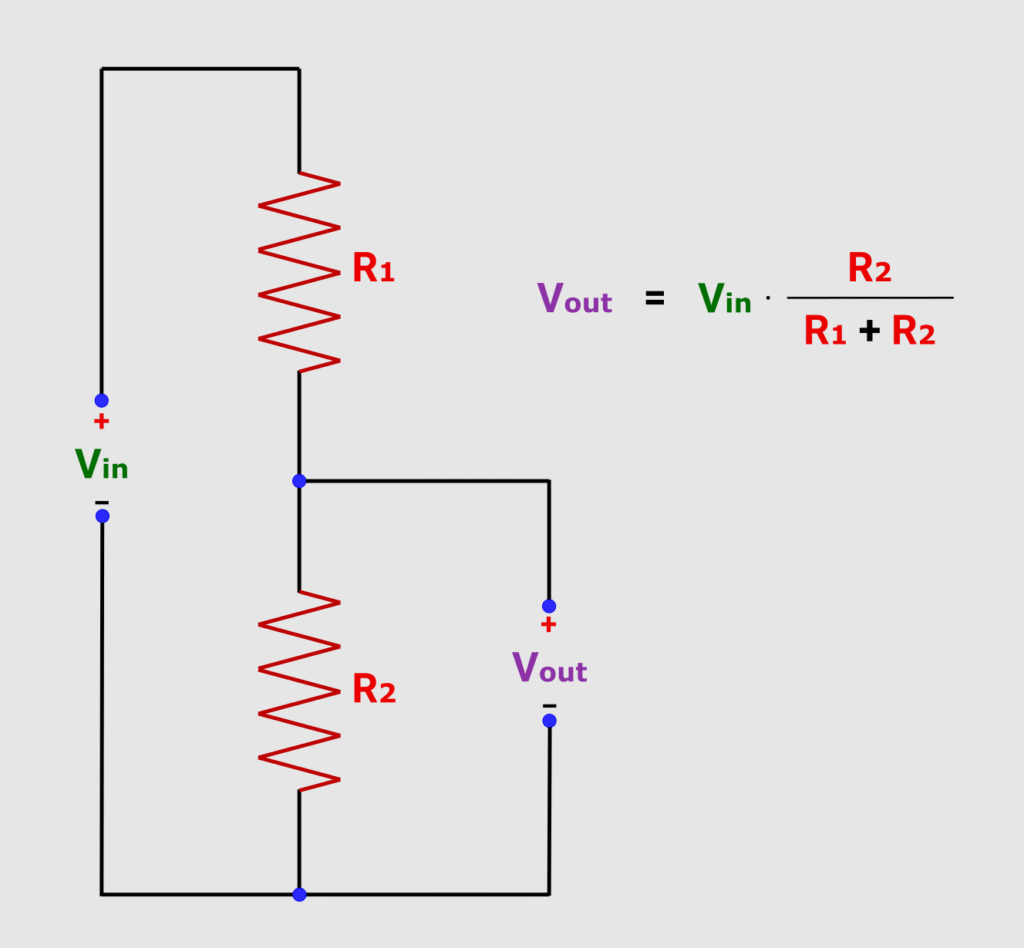
A voltage sensor incorporates a voltage divider circuit with two resistors of values of 30kΩ and 7.5kΩ respectively. With these resistance values, we can see that output voltage will be one fifth of the input voltage. Hence the DC voltages of upto 25V can be brought down to below 5V at voltage sensor output which can then be read by microcontroller safely.
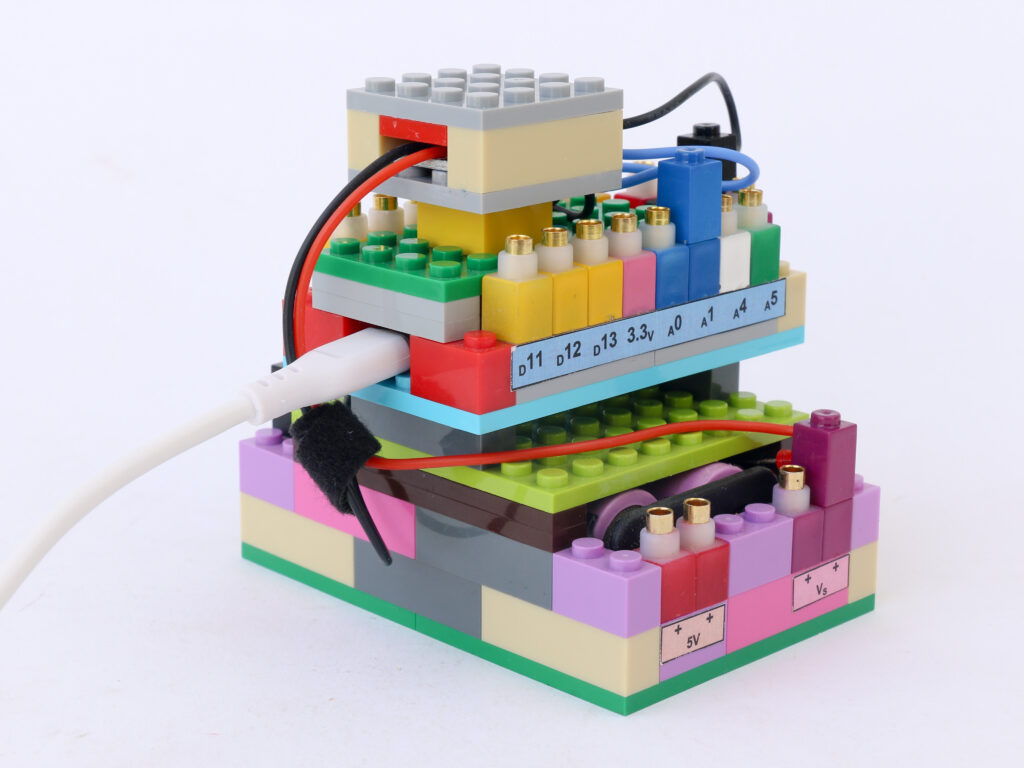
Components
Connections
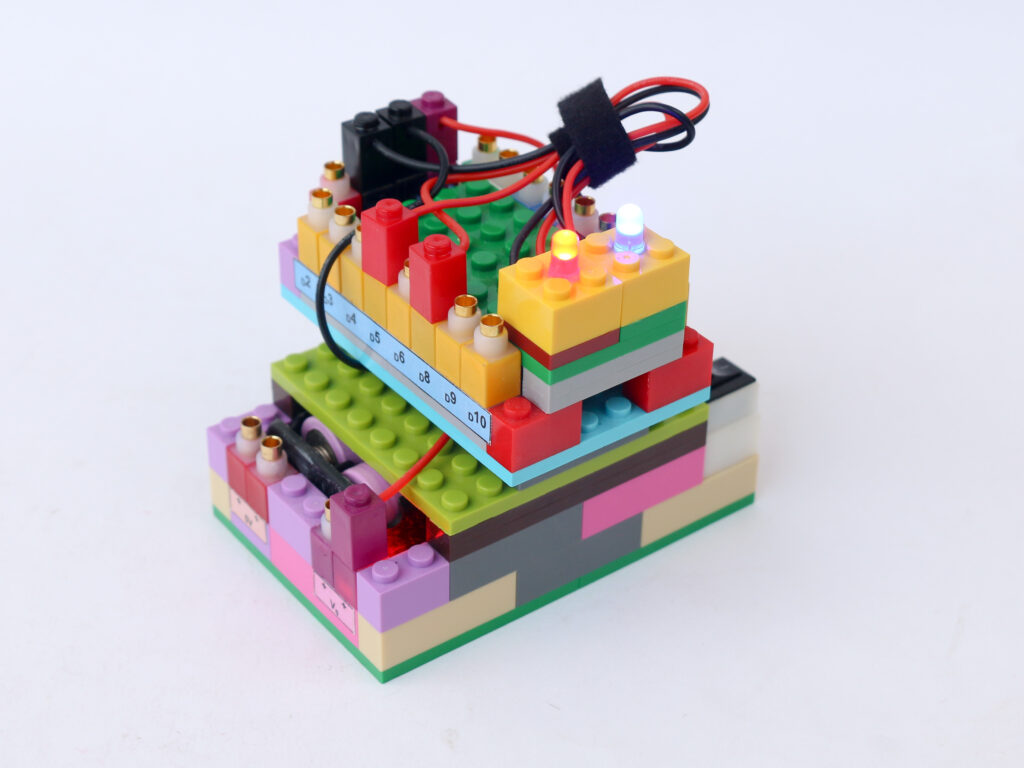
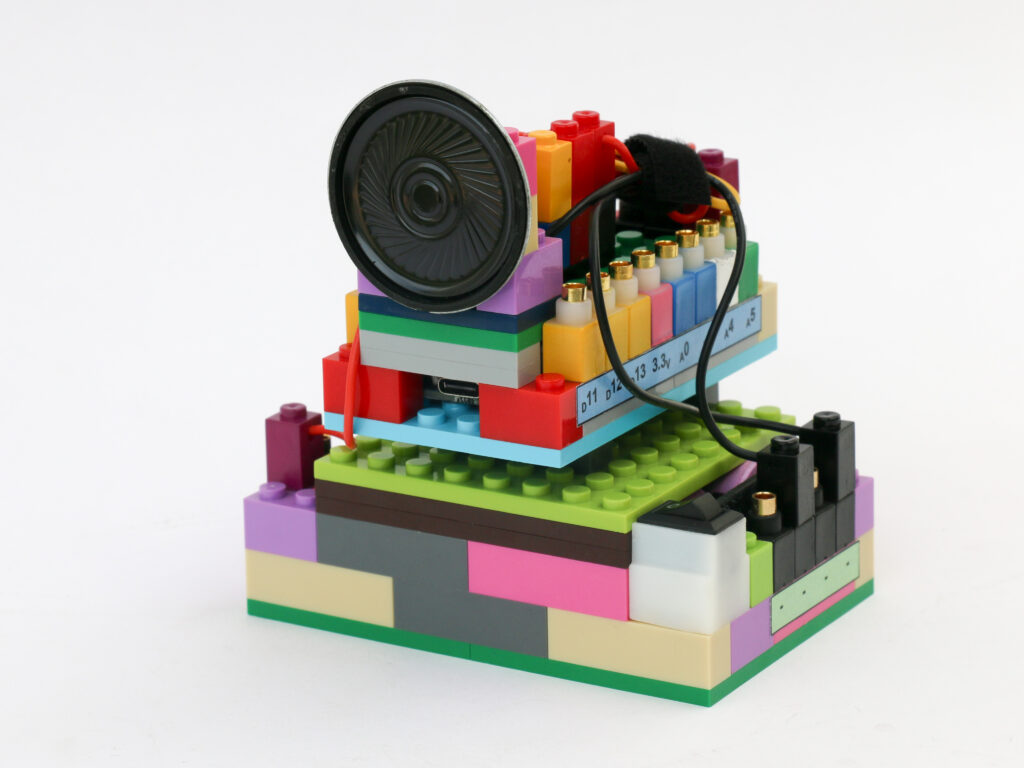
Connect the purple terminal of the voltage sensor block to the battery supply voltage Vs pin. Connect the black terminal from the same side of purple terminal to the ground pin of the battery block.
Connect the blue terminal of the voltage sensor block to the A1 pin on the microcontroller block and the black terminal of the voltage sensor to the ground pin of the microcontroller block.
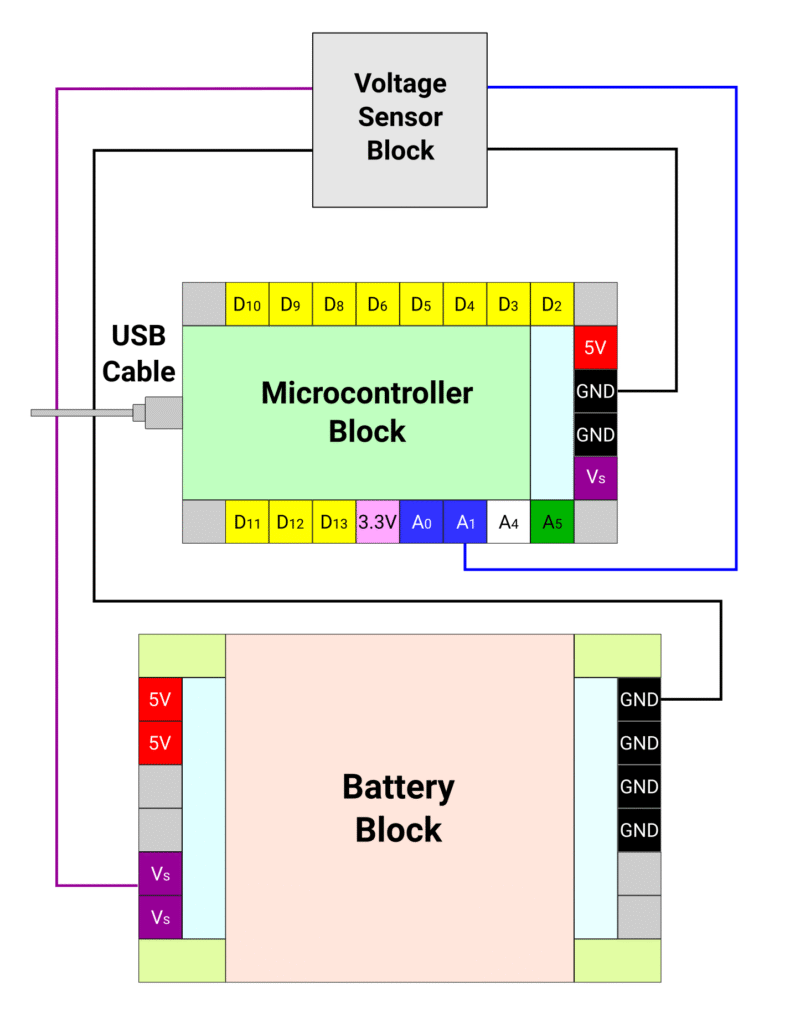
Connect the USB cable to computer on one end and the microcontroller block on the other and leave it be.
Code
We will measure the output voltage of the voltage sensor using analog input on microcontroller which is read as 8 bit number between 0 to 1023. We then convert this value to voltage on scale of 0V to 5V. From this output voltage we will calculate the input voltage by multiplying with the factor (R1+R2)/R2 = 5.
We can also show battery charge percentage on a scale between 7V and 8.4V. At 8.4V it should show 100% charge and at 7V, it should show 0% charge. We also add a condition that if measured voltage is less than 7V, then instead of showing charge level, message is promted to charge the batteries immediately.
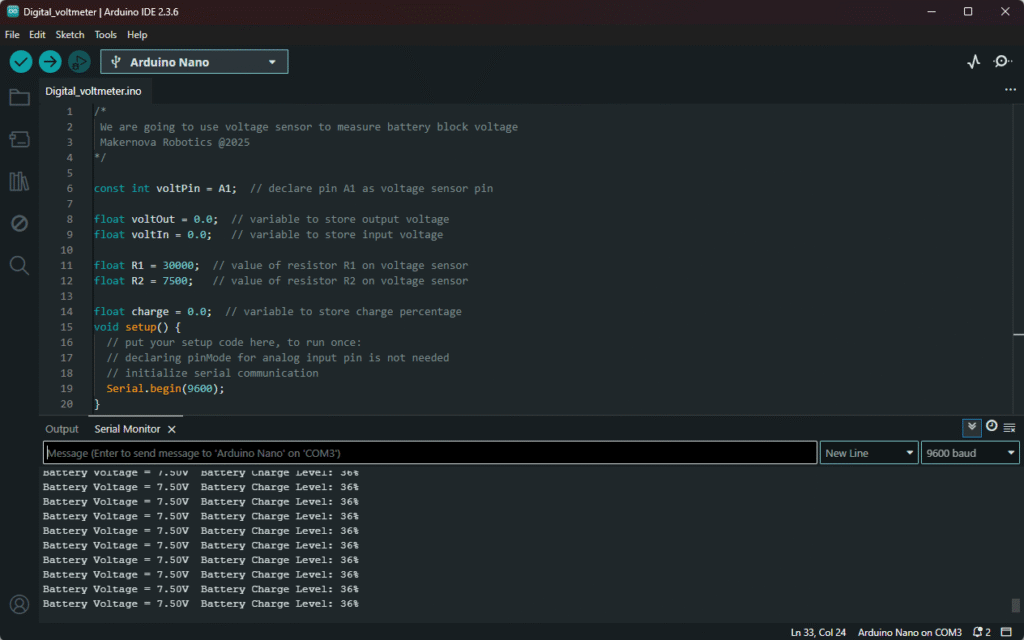
We will use the serial communication with computer to display the measured voltage and charge level every second.
/*
 We are going to use voltage sensor to measure battery block voltage
 Makernova Robotics @2025
*/

const int voltPin = A1;  // declare pin A1 as voltage sensor pin

float voltOut = 0.0;  // variable to store output voltage
float voltIn = 0.0;   // variable to store input voltage

float R1 = 30000;  // value of resistor R1 on voltage sensor
float R2 = 7500;   // value of resistor R2 on voltage sensor

float charge = 0.0;  // variable to store charge percentage
void setup() {
  // put your setup code here, to run once:
  // declaring pinMode for analog input pin is not needed
  // initialize serial communication
  Serial.begin(9600);
}

void loop() {
  // put your main code here, to run repeatedly:
  int valRead = analogRead(voltPin);  //read the ADC value of output voltage

  // convert the ADC value to voltage
  voltOut = (valRead * 5.0) / 1023.0;

  // measured voltage is output of voltage divider circuit.
  // To get input voltage, multiply output voltage by (R1+R2)/R2
  voltIn = voltOut * (R1 + R2) / R2;

  charge = ((voltIn - 7.0) / 1.4) * 100;  // we consider 7V as 0% & 8.4V as 100%

  Serial.print("Battery Voltage = ");
  Serial.print(voltIn, 2);  // display voltage rounded to 2 decimal
  Serial.print("V  ");

  // if the voltage is less than 7V, promp message to charge batteries
  if (charge < 0) {
    Serial.println("Charge the batteries immediately");
  } else {  // if voltage is more than 7V, display charge percentage
    Serial.print("Battery Charge Level: ");
    Serial.print(charge, 0); // round to integer. Change 0 to 1 to show % to 1 decimal place
    Serial.println("%");
  }
  delay(1000);  // take 2 readings per second
}
The battery voltage and the charge level in percentage is displayed on the serial monitor as shown below.