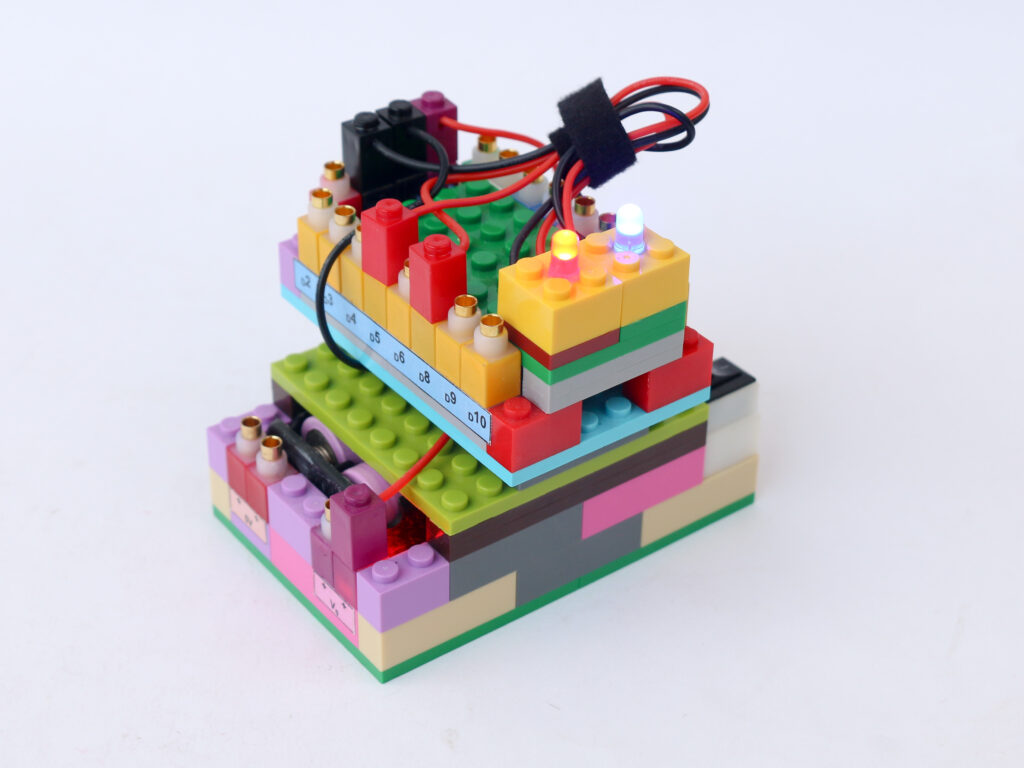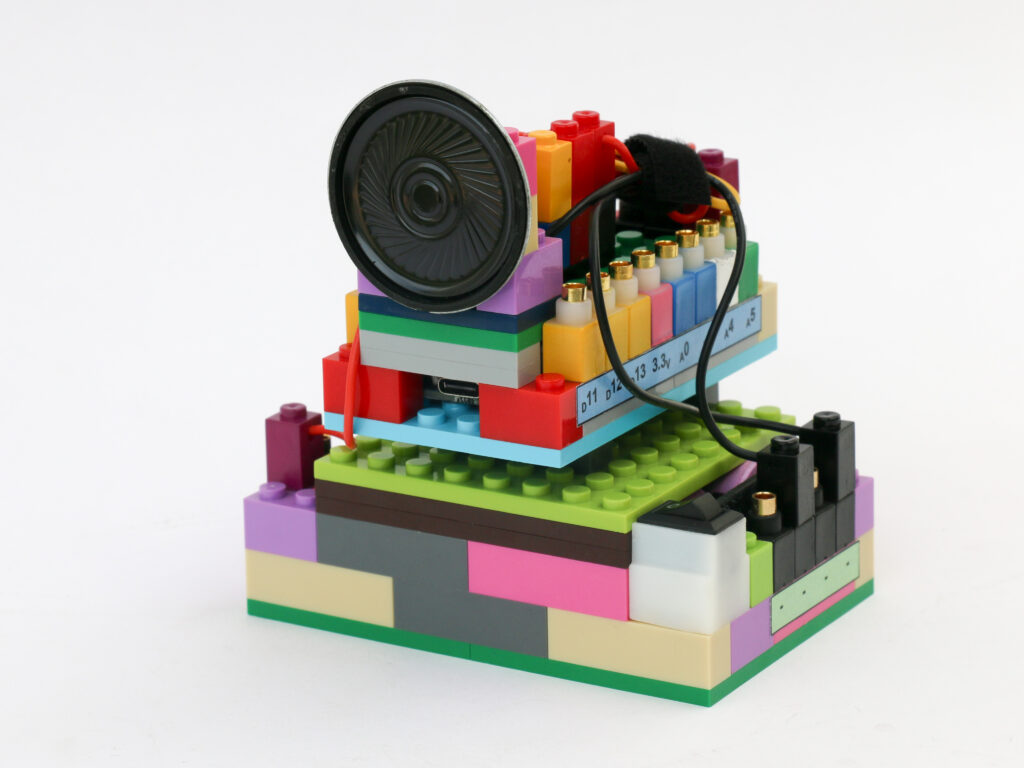
Touchless Switch
We are going to use a proximity sensor to detect hand near it and use it to trigger LED to turn on. There are various sensors that can be used to detect proximity of objects. We will be using an infrared proximity sensor in this project.
The infrared proximity sensor consists of an infrared LED which emits light in infrared wavelength spectrum. There is a photodiode besides the LED which is detects any infrared light waves deflected off an obstacle. If there are no objects closer to the sensor, photodiode does not get any reflected infrared light. As any object gets closer to the sensor, photodiode starts capturing more and more reflected IR light.
NOTE: The functioning of IR sensor gets impacted by direct or indirect sunlight. Operate this sensor indoors only.
The sensor signal terminal provides at HIGH (5V) signal by default. When photodiode detects reflected IR light above certain threshold, the signal terminal voltage drops to LOW (0V).
We can use microcontroller digital I/O pins to detect the voltage of the signal terminal to interpret whether hand is closer to sensor. When we detect hand near sensor, we can trigger LED to change its state, meaning it will be turned on if it was off and it will be turned off if it was on.
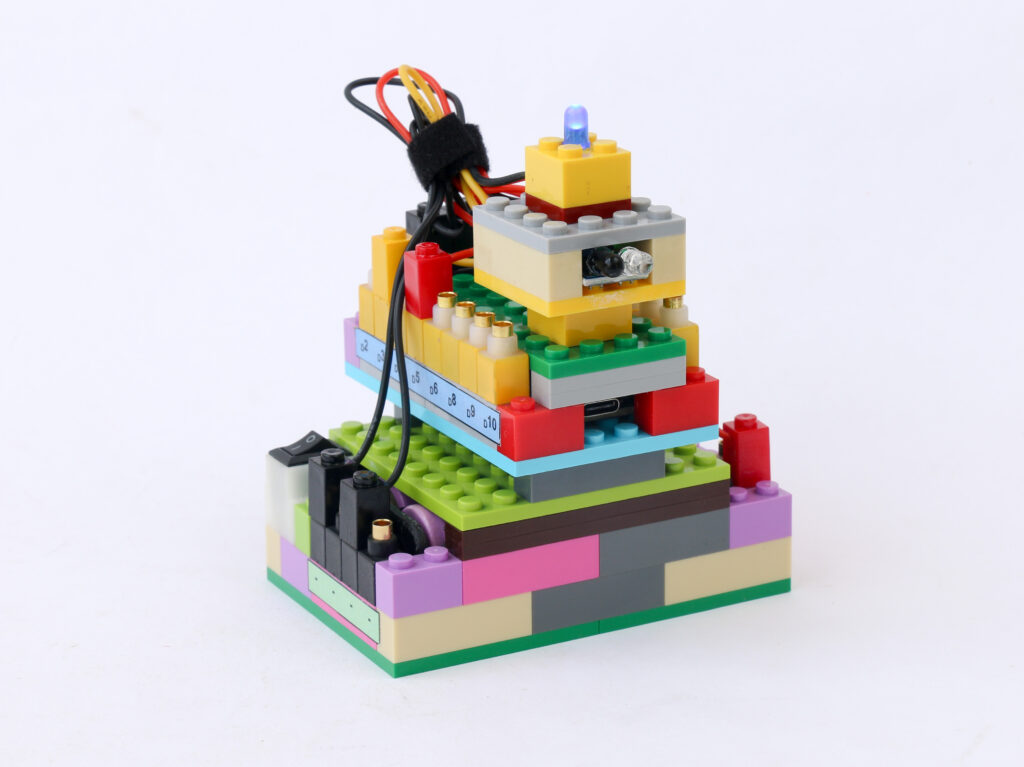
Components
Connections
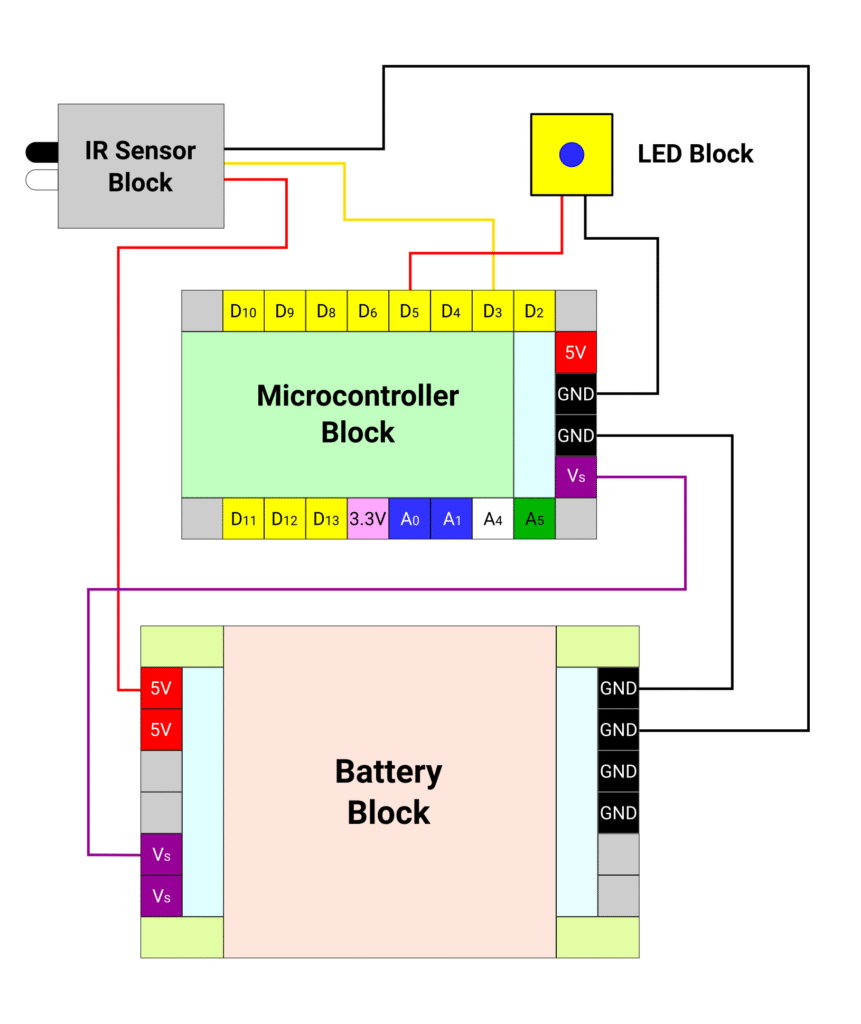
Connect the battery block Vs pin to the Vs pin of the microcontroller block. Connect any of black (negative) pins on the battery block to one of the negative (black) pin on the microcontroller block.
Connect the red terminal of the LED block to the microcontroller pin D5. Connect the black terminal of the LED block to the negative (black) pin of microcontroller block.
Connect the red terminal of IR proximity sensor block to the 5V pin of the battery block and connect the black terminal of IR proximity sensor block to the black (negative) pin of the battery block. Connect the yellow terminal of the IR proximity sensor block to the D3 pin on microcontroller block.
Code
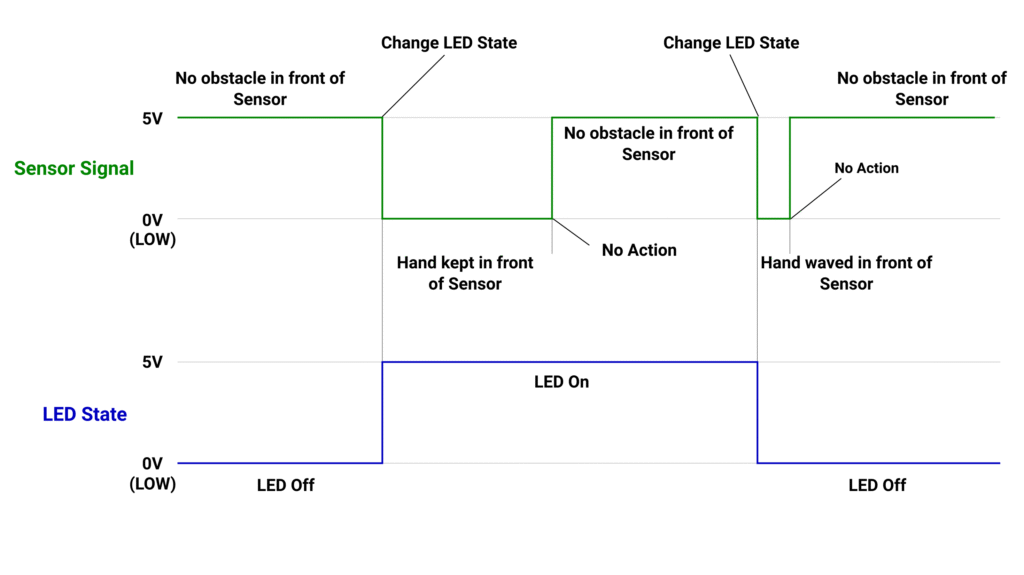
We will utilize a few new concepts in the code. We want to design a latching switch means that once the sensor detects presence of hand near it, we want to change the state of the LED. However when the hand is taken away from sensor, we want to keep the LED state as it. Only change the LED state when hand is brought near the sensor again next time.
We will use 2 variables, state and prevstate to store current and previous sensor signal level respectively. We will detect change in current state from HIGH to LOW and from LOW to HIGH when we detect current state is different from previous state as shown in picture below. We will change the LED state only when current state has changed from HIGH to LOW.
/*
 In this project we use IR proximity sensor as touchless switch
 everytime hand is taken near sensor, it toggles the LED on or off
 We will also learn to make latching switch logic which means that
 the LED remains on or off after the hand is taken away from sensor
 Makernova Robotics @2025
*/

const int IRSensor = 3;  // connect the signal terminal of ir sensor module to pin D3
const int ledPin = 5;    // connect the LED red terminal to pin D5
byte state = 1;          // declare variable to read sensor data with starting value HIGH
byte prevstate = 1;      // variable to store previous sensor data with starting value HIGH
byte ledState = 0;       // variable to store LED logic level with starting value LOW

void setup() {
  pinMode(IRSensor, INPUT_PULLUP);  // declare IR Sensor pin as INPUT with internal pull up
  pinMode(ledPin, OUTPUT);          // declare LED Pin as output
}
void loop() {
  state = digitalRead(IRSensor);  //read the signal from IR sensor

  // when hand is brought near sensor, the sensor sends LOW signal
  // but the previous signal is still HIGH. We use this to trigger change in LED state
  if (state == 0 && prevstate == 1) {
    ledState = !ledState;  // invert LED state.
    prevstate = state;     // make previous & current state same
  }

  //when hand is removed from sensor, the sensor start sending HIGH signal
  // but the previous signal is still LOW. We do not want to trigger anything so that
  // it acts as a latching switch.
  if (state == 1 && prevstate == 0) {
    prevstate = state;  // make previous & current state same
  }

  digitalWrite(ledPin, ledState);  // provide signal to LED

  delay(50);  // repeat the loop after 50ms.
}