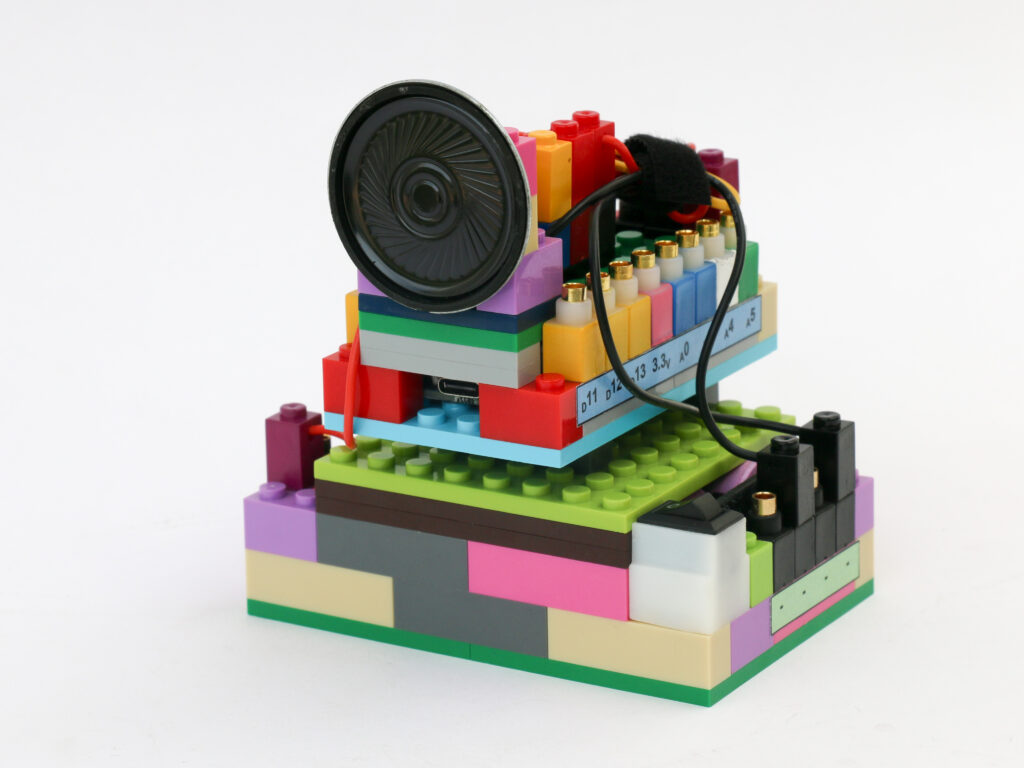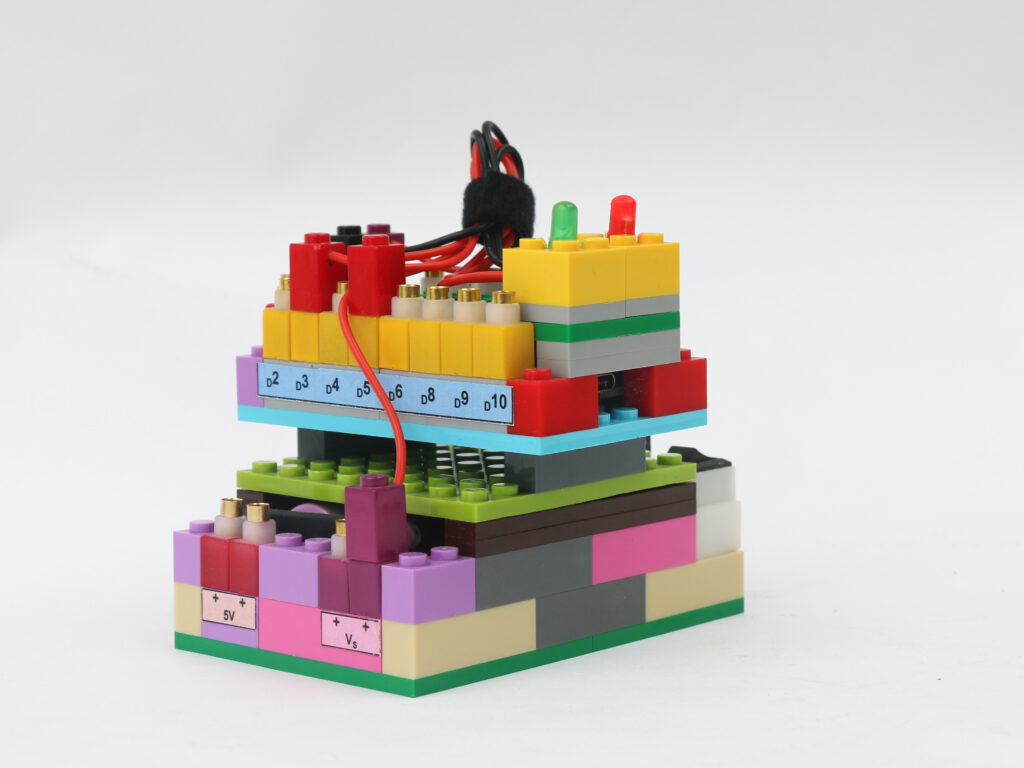
Police Lights
With the understanding of controlling LED with microcontroller and use of push button as input, we will create police lights. The police lights use flashes of red and flashes of blue in a continuous fashion. We will make a few modes of flashing sequences in this project and keep cycling through these modes.
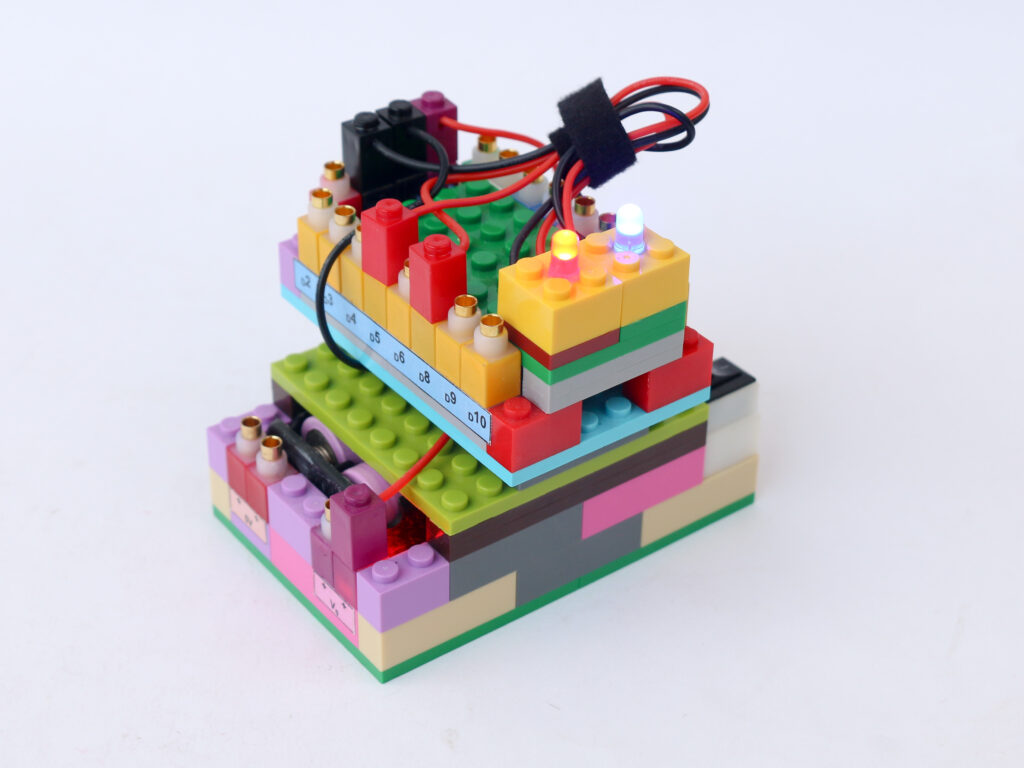
Components
- Microcontroller block
- Red & Blue LED blocks
- Battery block
- Connectors
Connections
Connect Vs (purple) pin of battery block to Vs pin of the microcontroller block. Connect any of the black (negative) pins on the battery block to the black pin on the microcontroller block.
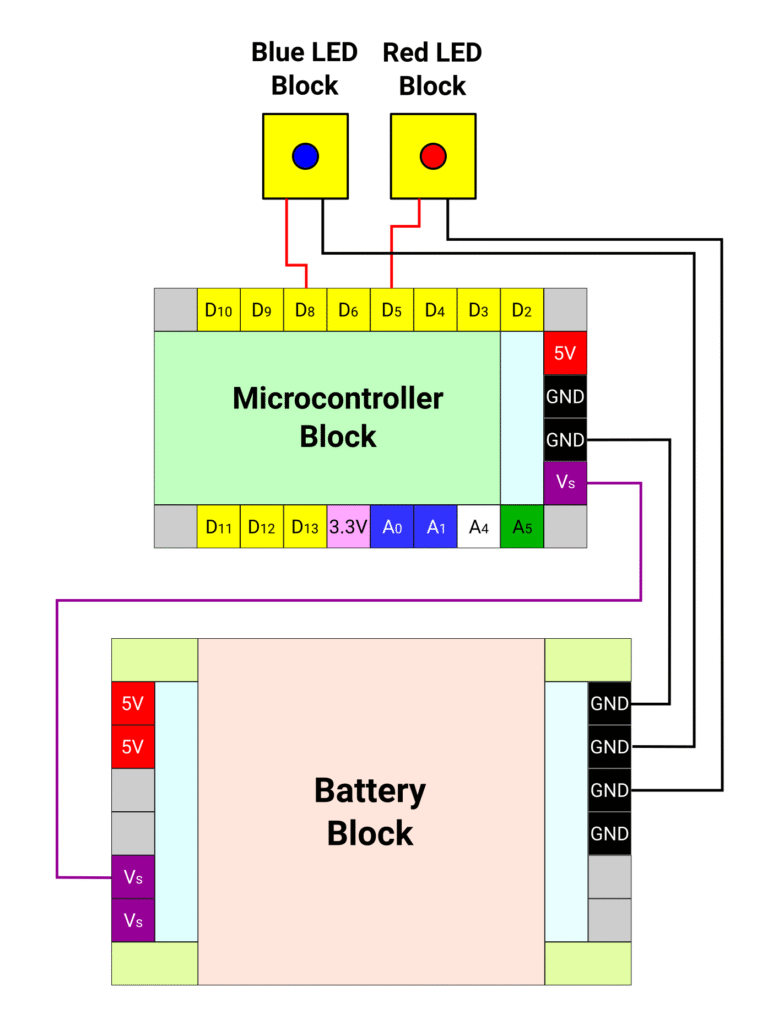
Connect the microcontroller pin D5 to the blue LED red terminal and connect the blue LED black terminal to battery block black pin. Connect the microcontroller pin D8 to the red LED red terminal and connect the red LED black terminal to battery block black pin.
Code
Let’s first define the pin D8 as red led pin and D5 as blue led pin. Then we configure both these pins as outputs. We also define parameters for reading the push button and debouncing. We set up the LED pins as outputs and push button as input with pullup enabled.
In the loop section, we use the same code as reading push button input with debouncing. For every push button pressing, we increase the mode value by 1. Once it reaches value of 4, we reset it to 1.
We define different modes of flashing LEDs as different functions. Mode 1 is alternating red & blue flashing. Mode 2 is three simultaneous flashes of red & blue LEDs with flashing interval of 50ms and then a break of 100ms. Mode 3 is three flashes of red followed by three flashes of blue with flashing interval of 50ms.
/*
   Makernova Robotics 2025
   In this program we use red & blue LEDs to create police lights
   We create different modes of flashing with different frequency
   and sequence of flashing
*/

int redPin = 8;   // declare D8 as red LED pin
int bluePin = 5;  // declare D5 as blue LED Pin

void setup() {
  // Initializing red & blue LED pins as output
  pinMode(redPin, OUTPUT);
  pinMode(bluePin, OUTPUT);
}

void loop() {
  // loop with different modes of flashing
  mode1(redPin, bluePin);
  mode2(redPin, bluePin);
  mode3(redPin, bluePin);
}

// we define different modes as user defined functions
int mode1(int redPin, int bluePin) {
  // mode 1 is flashing of red & blue LEDs alternately for 5 times
  for (int i = 0; i < 5; i++) {
    digitalWrite(bluePin, LOW);  // turn the blue LED off
    digitalWrite(redPin, HIGH);  // turn the red LED on simultaneously
    delay(200);                  // wait 200 ms

    digitalWrite(redPin, LOW);    // turn the red light off
    digitalWrite(bluePin, HIGH);  // turn the blue light on simultaneously
    delay(200);                   // wait 200 ms
  }
}


int mode2(int redPin, int bluePin) {
  // mode 2 is flashing of red & blue LEDs simultaneously for 10 times

  for (int i = 0; i < 10; i++) {
    digitalWrite(redPin, HIGH);   // turn the red light on
    digitalWrite(bluePin, HIGH);  // turn the blue light on
    delay(50);                    // wait 50 ms

    digitalWrite(redPin, LOW);   // turn the red light off
    digitalWrite(bluePin, LOW);  // turn the blue light off
    delay(50);                   // wait 50 ms
  }
}

int mode3(int redPin, int bluePin) {
  // mode 3 is flashing of red LED for 3 times followed by blue LED 3 times
  // this whole sequence is repeated to 3 times
  for (int j = 0; j < 3; j++) {
    for (int i = 0; i < 3; i++) {
      digitalWrite(redPin, HIGH);  // turn the red light on
      delay(50);                   // wait 50 ms

      digitalWrite(redPin, LOW);  // turn the red light off
      delay(50);                  // wait 50 ms
    }
    delay(100);  // delay by 100ms

    for (int i = 0; i < 3; i++) {
      digitalWrite(bluePin, HIGH);  // turn the blue light on
      delay(50);                    // wait 50 ms

      digitalWrite(bluePin, LOW);  // turn the blue light off
      delay(50);                   // wait 50 ms
    }
    delay(100);  // delay by 100ms
  }
}