Traffic Lights
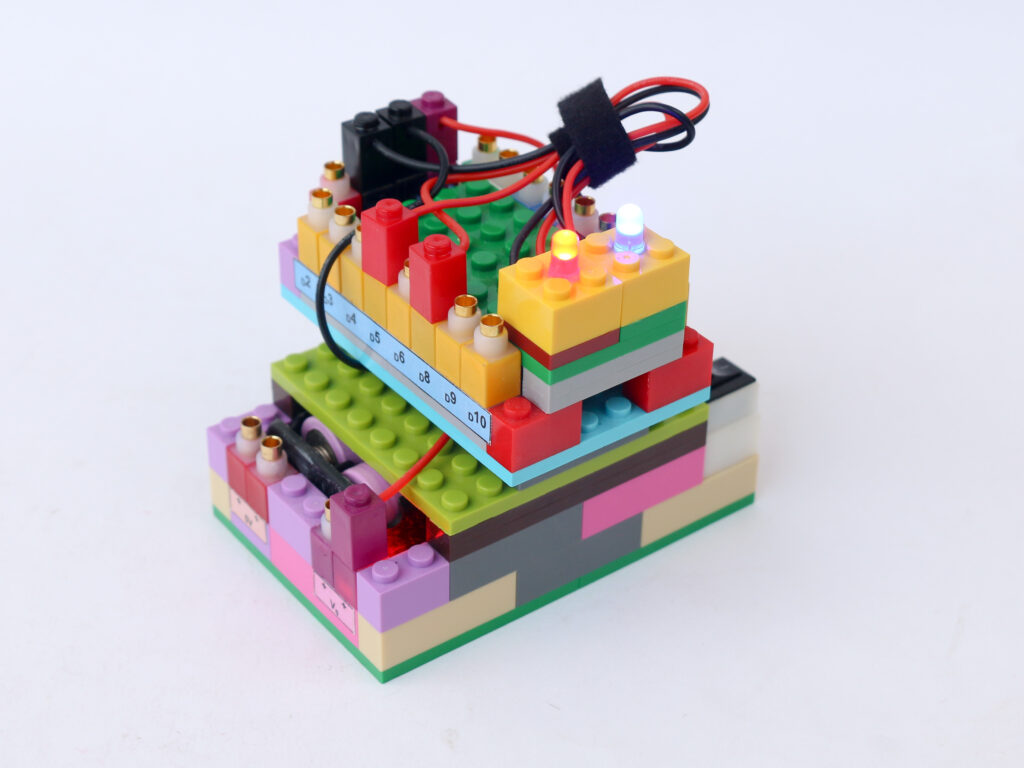
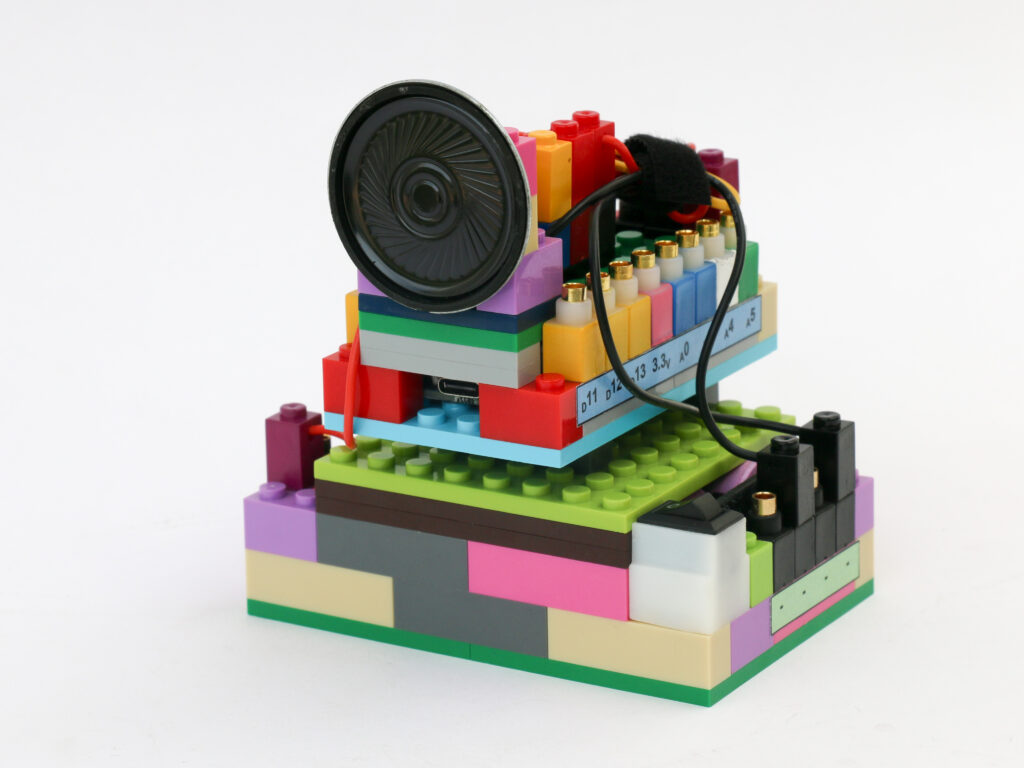
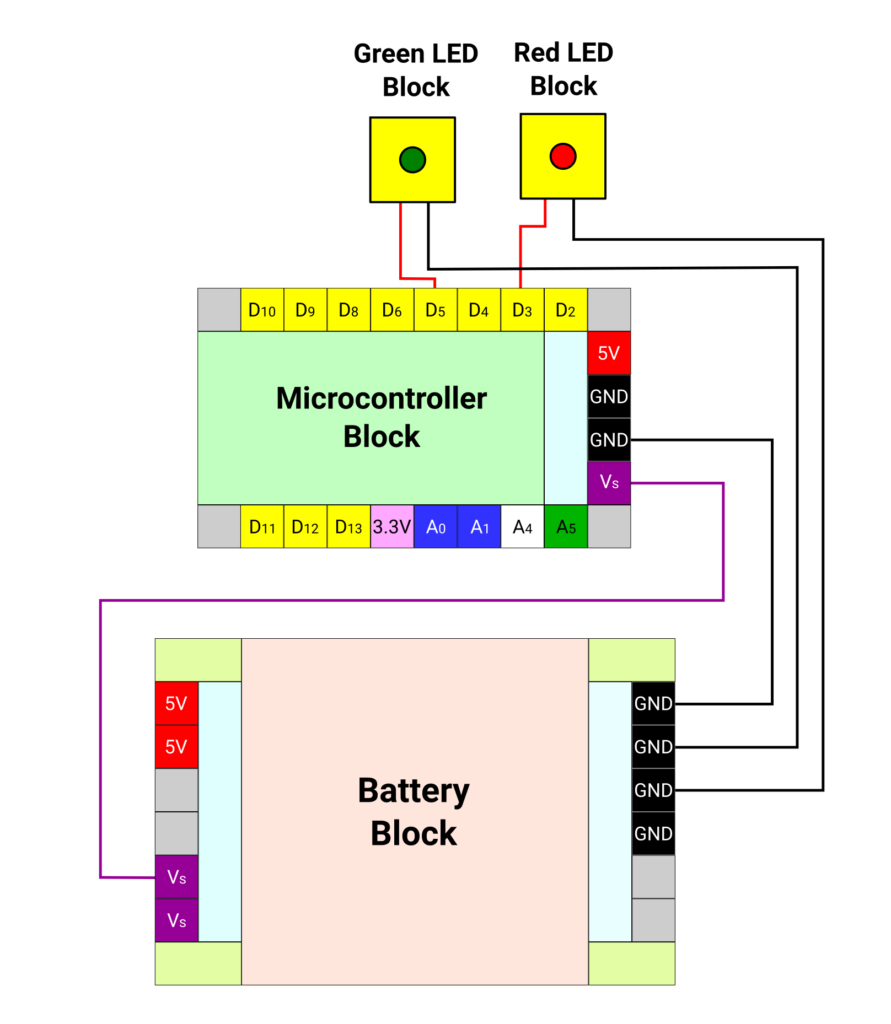
With a single LED blinking, it is easy to increase the number of LED to blink in any sequence or order. In this project, we will use two LED blocks, red & green, to create a traffic lights.
In this project, we need to synchronize the switching of LEDs to make sure when one LED is turned on, the other is turned off and vice versa. The amount of time for each LED to be on and off as well as any lag between the two can be programmed.
Components
Connections
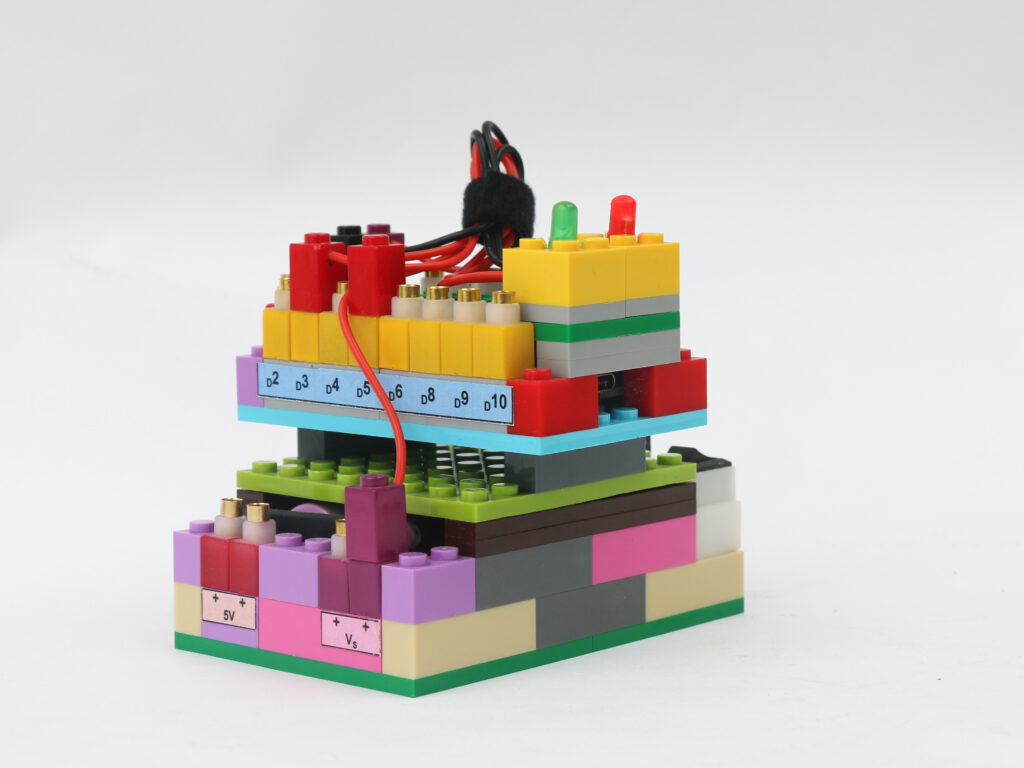
Connect the Vs pin of microcontroller to Vs pin of battery block. Connect the ground pins of microcontroller block and battery block.
Connect the positive terminal (red) of the red LED block to the microcontroller block pin D3. Connect the positive terminal (red) of the green LED block to the microcontroller block pin D5. Connect the negative terminal (black) of both the LED blocks to the negative pins on the battery block.
Code
/*
   Makernova Robotics 2025
   In this program we use two LED blocks red & green to
   create traffic lights
*/

const int redPin = 3;      //declare pin D3 as red LED Pin
const int greenPin = 5;  //declare pin D5 as green LED Pin

void setup() {
  pinMode(redPin, OUTPUT);      //declare redPin as an output
  pinMode(greenPin, OUTPUT);  //declare greenPin as an output
}

void loop() {
  digitalWrite(redPin, HIGH);       //make red LED on
  digitalWrite(greenPin, LOW);    // simultaneously make sure green LED is off
  delay(3000);                              //change this to adjust red LED on time
  digitalWrite(redPin, LOW);       // make red LED off
  digitalWrite(greenPin, HIGH);  // make green LED on as red is switched off
  delay(3000);                             //change this to adjust green LED on time
}